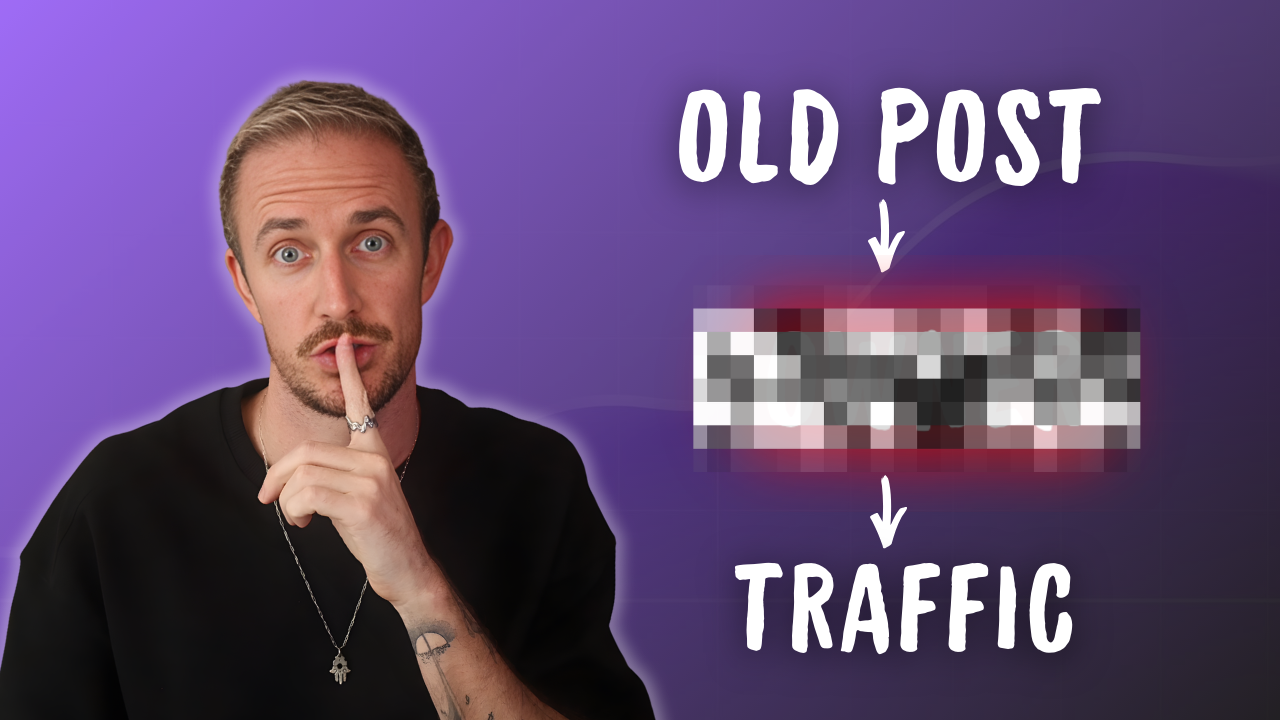
If your website has been around for a while and you’ve been publishing content, the easiest SEO win usually isn’t another brand-new post. It’s updating old content that already has impressions, clicks, and a bit of trust with Google… and is simply suffering from content decay.
I reach 1 million+ readers every month with my sites, consult with the world’s top SaaS companies, and Fortune 500 brands… and I consistently see that updating old content is the #1 quiet traffic lever most website owners ignore completely.
And the evidence is overwhelming in the age of AI. Implementing a smart content refresh strategy can boost SEO rankings and increase AI visibility inside tools like like ChatGPT, Perplexity, and Claude, all without starting from scratch. Let’s dive in:
Quick Steps for Updating Old Website Content
- Use Google Search Console to conduct a content audit and find pages that already have traction and are worth updating first
- Your best refresh candidates are usually posts with impressions, clicks, and room to improve
- Export page data into Google Sheets so you can sort, track, and schedule working on your updates
- Use AI tools to move faster on blog post updates and review changes before publishing
Why Updating Old Content Works So Well
Most sites have a back catalog full of evergreen content pages that are close to getting more Google traffic & earning more AI visibility. These posts may rank on page one of Google search results already, or they may sit just outside the top results, because they don’t fully align with search intent and need an update.
Either way, your existing posts and pages, even if they’re thin content, already have history. That matters a lot.

On my sites, this process supports more than 1 million monthly visitors from Google and ChatGPT today, and that traffic turns into leads and customers. So when I want quick SEO gains, I don’t only think about publishing new content.
It’s essential to protect and improve the cornerstone content that’s already doing some of the heavy lifting.
Protect traffic first. Your first update targets are usually the pages already near the top of your list, and then you’ll move on to the pages that could rank higher with a more substantial update.
How to Find the Best Content Update Candidates in Google Search Console
You’ll start inside Google Search Console, then open the right property and head to the Performance report for search results within Google Search Console.
That gives you clicks and impressions over time, plus the exact queries and pages that drive traffic, where you can evaluate whether your existing content is matching a user’s search intent.

Then you’ll follow a simple step-by-step process to export your search traffic data:
- Open Performance in Search results
- Switch to the Pages tab
- Set the date range to the longest window available, usually 16 months
- Export the data to Google Sheets.
Quick tip: A longer date range helps you spot pages that were stronger before and may be fading now.
If you work with a teammate, make sure they can access the GSC property with the right permissions. My guide on how to manage Google Search Console access walks through that setup process.
If you want more ways to pull keyword ideas from the same data, use my free keyword research process, because it starts with what your site is already showing up for.
How to Turn Google Search Console Data into an Update Action Plan
Inside Google Sheets, the raw data export can feel a little overwhelming, so it’s time to make it useful.
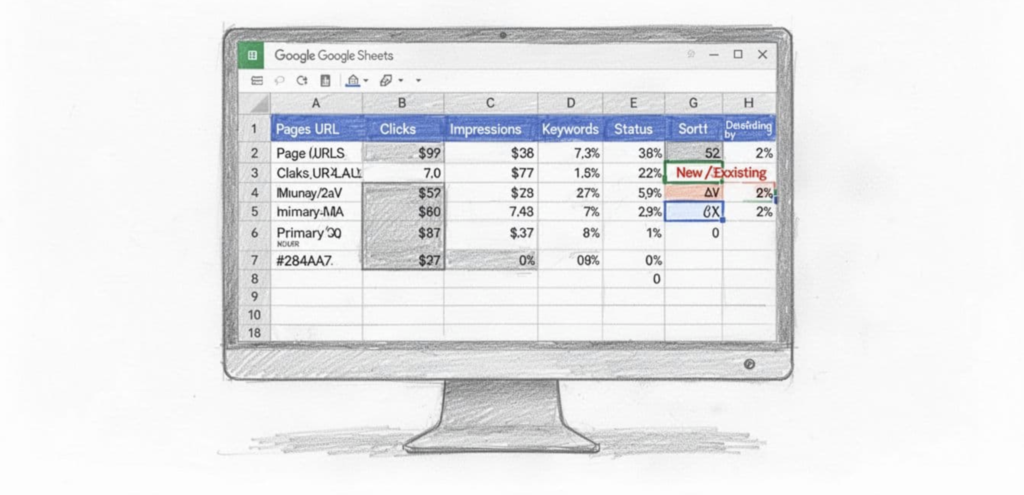
Move the Pages tab to the front, clean up the sheet, and sort it by clicks and impressions, so your highest-value URLs sit at the top.
Next, add the main keyword tied to each page from the Queries tab. Add a few tracking columns, like whether the post is new or existing, and what status it’s in now. That keeps you from updating the same page twice or letting a great candidate slip through the cracks.
I keep all of these organization tips inside a free Google Sheets template for content updates you can grab and use today, because a clean system saves time fast.
Quickly Updating, Improving, and Optimizing Old Content
Once you’ve picked a page to refresh, I recommend pasting that URL into RightBlogger’s AI SEO Editor tool. You can use this tool with a free RightBlogger account, and paid plans come with unlimited use.
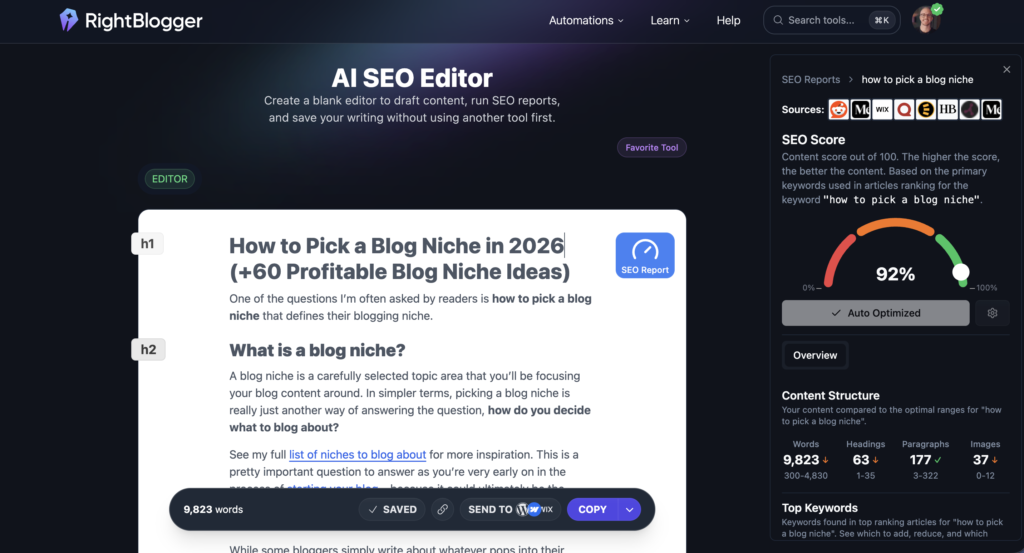
I love this tool because it imports your existing content, performs a full content audit, runs an SEO Report against what’s ranking on page one of Google search right now, and shows you how the page stacks up, including gaps in heading structure, semantic keywords, and internal links.
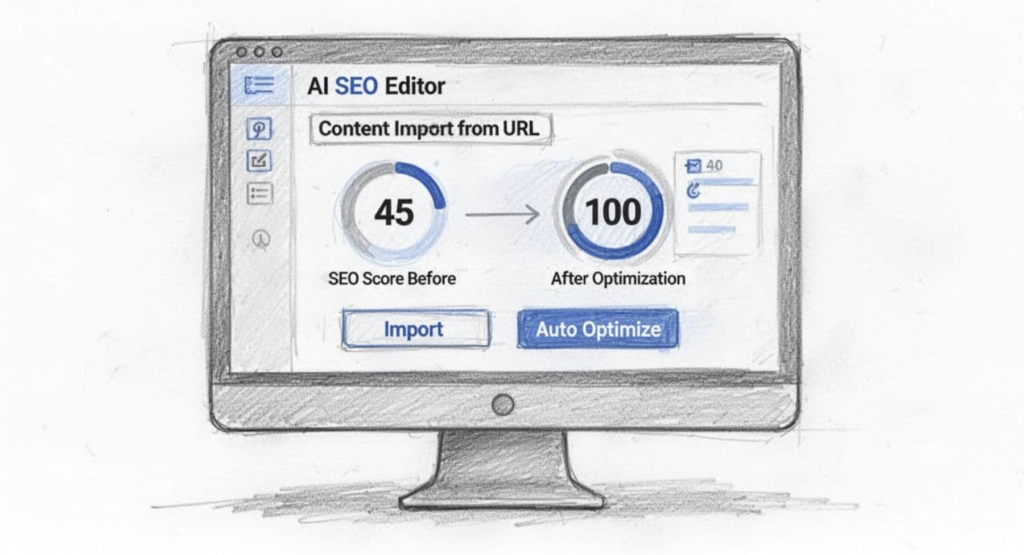
From there, you can use the Auto-Optimize feature to 1-click update all of your on-page SEO elements, including headings and meta details. In the example from our video above, my content score jumped from 45 to 100. That’s a fast way to spot gaps and tighten your old content.
Still, I recommend spending a few minutes reviewing and editing any AI-assisted content. Tools like RightBlogger take your writing voice and tone into account during the creation & editing process, so you’ll save a lot of time on this step.
If AI is part of your workflow, my guide on using AI to boost SEO traffic goes deeper into how to handle that balance.
How Often Should I Update Old Content?
Once a quarter is a good rhythm for republishing content, especially for pages that already bring in Google traffic and have some AI citations. Updating the publish date signals freshness to search engines and AI platforms like ChatGPT, Perplexity, and Claude.
Should I Update Top Posts or Weak Posts First?
Start with strong posts first, because they already have momentum and are easier to grow. This approach also helps target AI overviews, featured snippets, avoids keyword cannibalization, fixes broken links, preserves backlinks, and you can always set up a 301 redirect if you’re combining or removing content.
Does This Help With AI Visibility Too?
Yes. Better, fresher pages from ongoing content maintenance have a much better shot at being cited by AI tools, not just ranked by Google, especially when you include quality internal links & external links.
Updating Old Content: Start With the Content You Already Have
If you already have blog posts and pages getting impressions, you already have traffic growth opportunities.
That’s why you should treat content updates as one of the fastest ways to grow SEO traffic and improve AI visibility without spinning up a whole new publishing plan for new content.
Open Search Console, find the pages with traction, refresh them well by employing good tools for updating old content, and let the gains compound. Get it!
Use My 50+ Powerful Free Blogging Tools Today
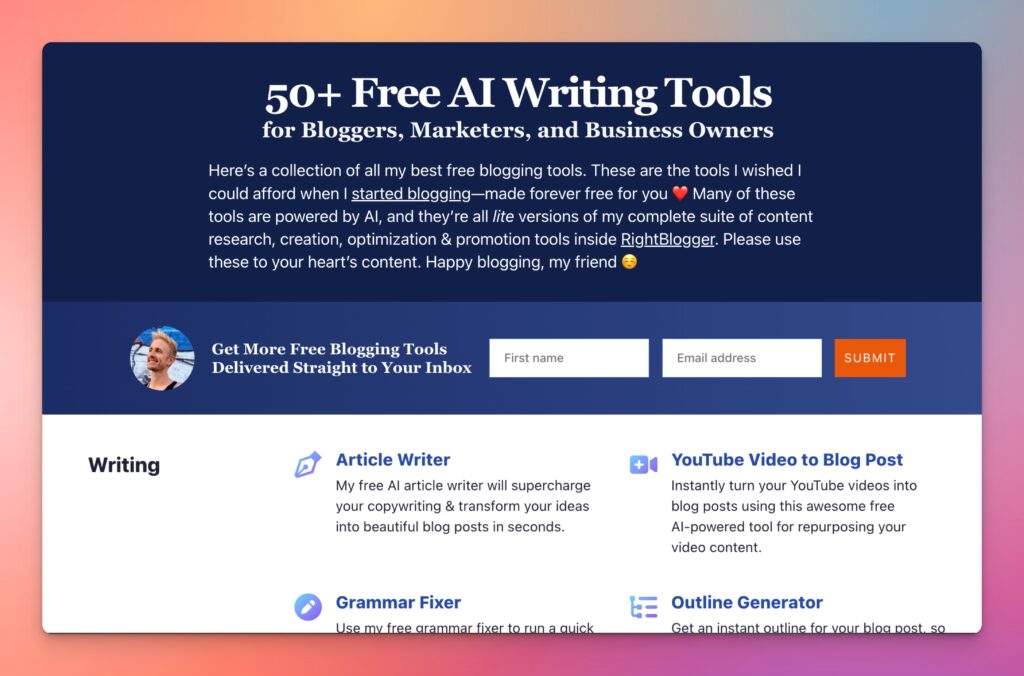
When I first started blogging, I couldn’t afford fancy tools. That sucked. And that’s why I’ve built a stable of powerful free blogging tools ranging from keyword research to an AI article writer, blog idea generator and more. Forever free for all to use—no strings attached.
Disclaimer: This story is auto-aggregated by a computer program and has not been created or edited by budgetbuddy.
Publisher: Source link
Publisher: Source link