
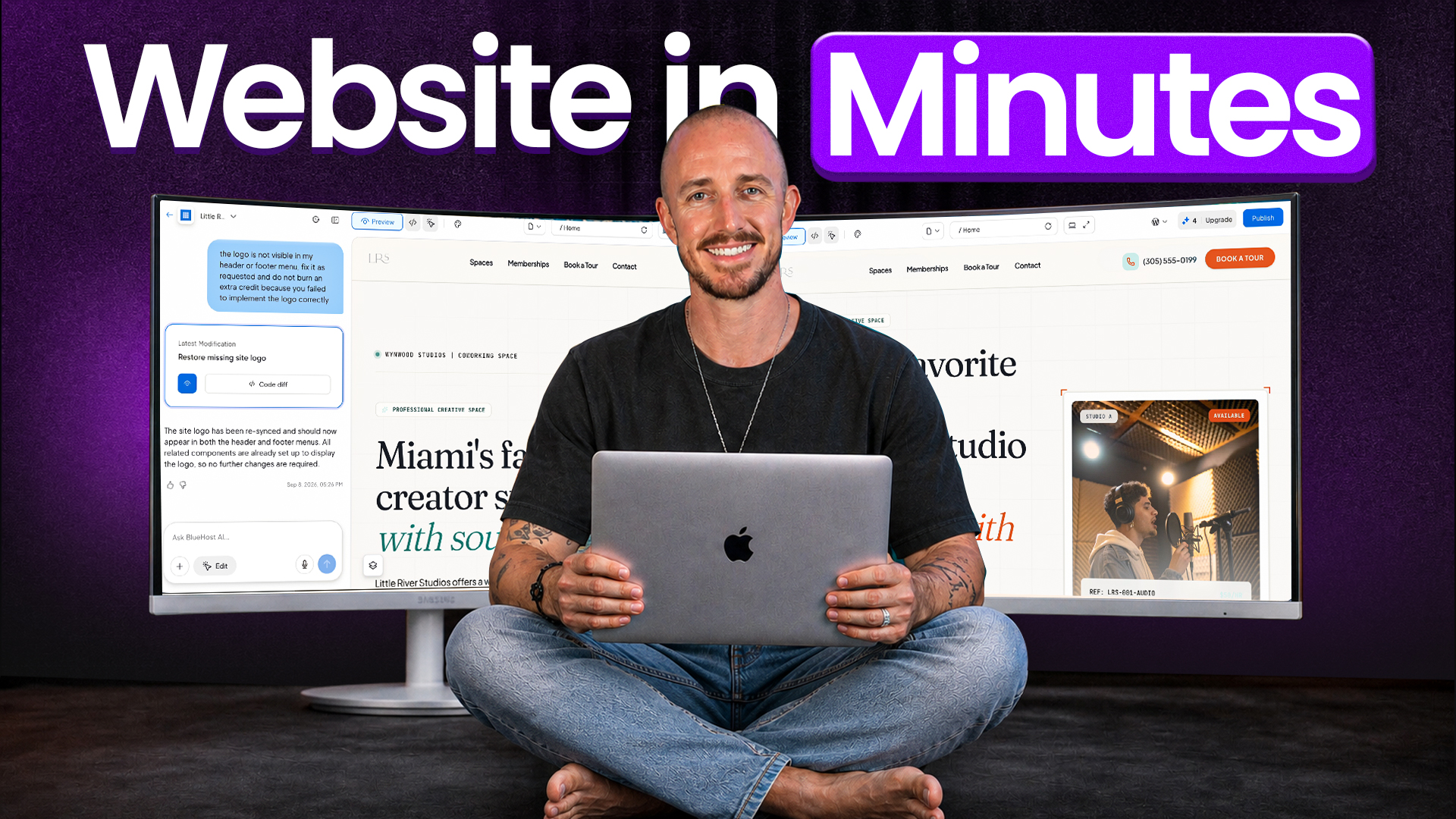
The old way to get a business online was pick your pain: wrestle a builder with a thousand settings, or settle for a template that looks like every other site on the block. Neither one ends with something that actually feels like yours… and that’s the whole reason I’ve come around on learning to build a business website with AI.
You don’t write a line of code or touch a single setting anymore. You just describe your business in plain English, and the AI handles the heavy lifting of layout, copy, and design while you watch a real site take shape.
I put this to work on a real business site I’m getting off the ground, and it came together way faster than I expected. Here’s the full video of me building the whole thing from a single prompt:
Key Takeaways for Building a Website With AI
- AI website builders get you ninety percent of the way there in minutes instead of weeks.
- Clear prompts beat generic filler, since the built-in content generator writes copy tailored to your business rather than cookie-cutter text.
- Batching your changes into one prompt saves valuable AI credits.
- You’ll still swap in your own content, trading placeholder text and photos for the real thing before launch.
- You don’t need advanced technical skills to build and launch your site.
- Paid plans bundle tools like Yoast SEO Premium to help you show up in search results.
Get Your Business Online in Minutes With Bluehost
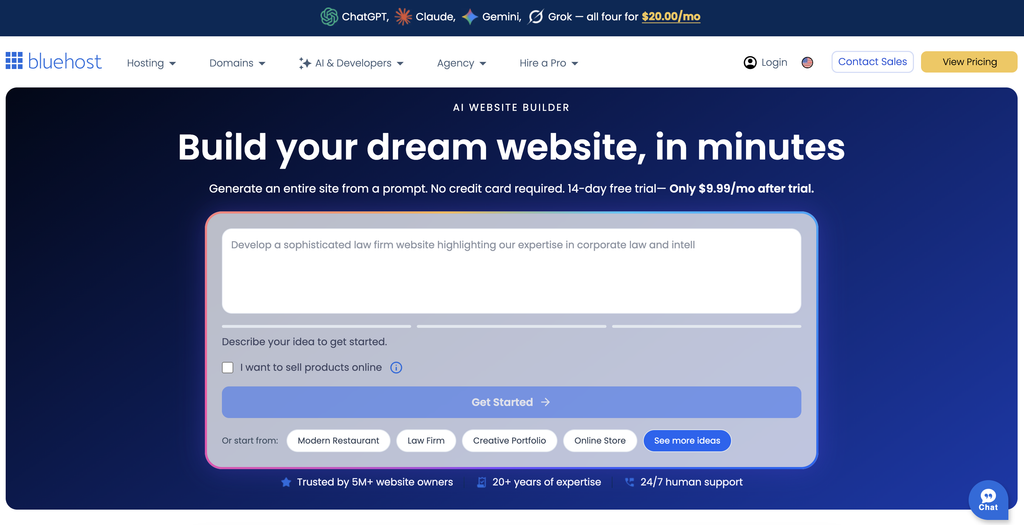
This is the exact tool I used to build the site in this walkthrough, and it’s the easiest way I’ve found to get online. Everything sits under one roof, from the first AI draft to your live custom domain. My advice stays the same: let it build the first version, then make it yours!
Why AI Website Builders Make Sense for Your Business
The internet has a love-hate relationship with website builders. Some platforms are way too complex, while others are too basic to ever scale with you. If you want a cost-effective site without hiring a developer, AI generation is a smart on-ramp.
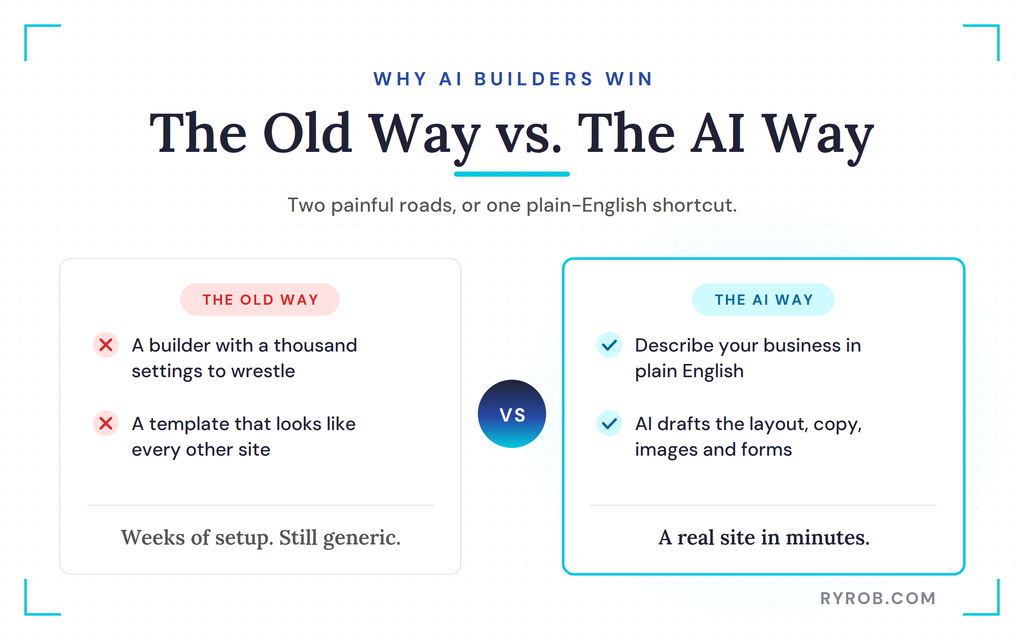
It also builds an authoritative business presence faster than an old-school drag and drop editor. You describe your business, and the platform handles the heavy lifting of layout, color palettes, and draft copy.
Even a solo entrepreneur can launch a professional site without paying for an agency.
Step-by-Step Guide to Building a Site With Bluehost AI
Getting started on a platform like the Bluehost AI Website Builder keeps everything under one roof. There’s no code required, and you don’t need any prior experience to launch a professional site for your business.
If you’re still deciding on a host, it’s worth seeing how Bluehost compares to HostGator before you commit.
Setting Up Your Account and Dropping a Detailed Prompt
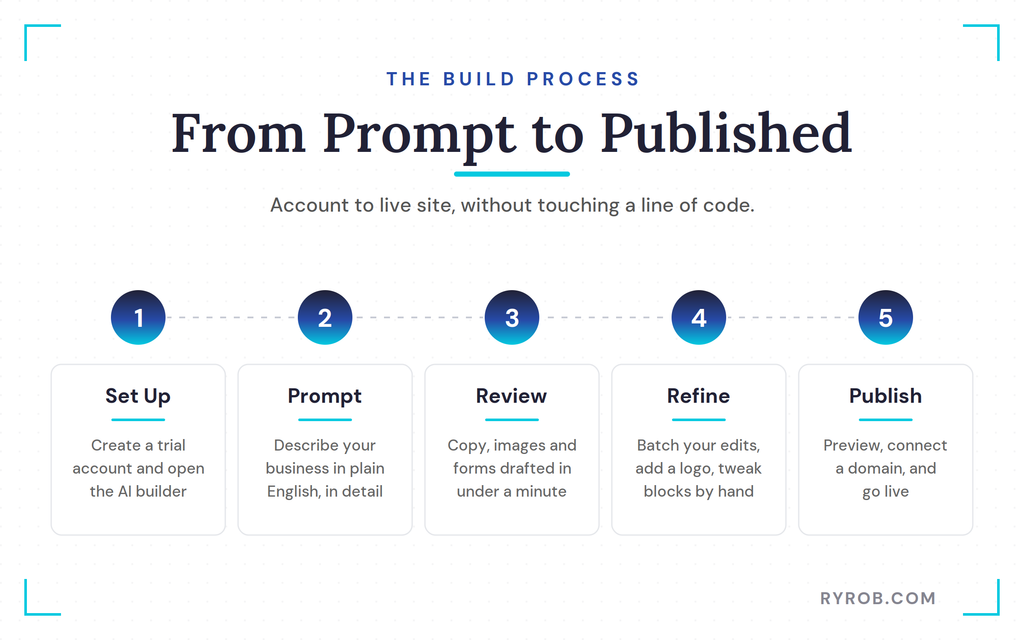
Begin by creating a trial account and opening the AI site builder. If you already have an account, just navigate straight to the AI sites menu.
Instead of picking a template, you submit a descriptive text prompt about your business. For example, you might describe a co-working space and podcast recording studio in Miami with specific booking and membership needs. The more detail you give it, the closer the AI gets to your vision.
Reviewing Your Draft and Saving AI Credits
Within a minute, the content generator drafts high-converting copy for each landing page, along with images and contact forms.
If you’re setting up an online store, it can also configure e-commerce functionality. You’ll see primary calls to action like booking buttons placed right where you need them. Before you start making endless tweaks, remember that every change costs an AI credit.
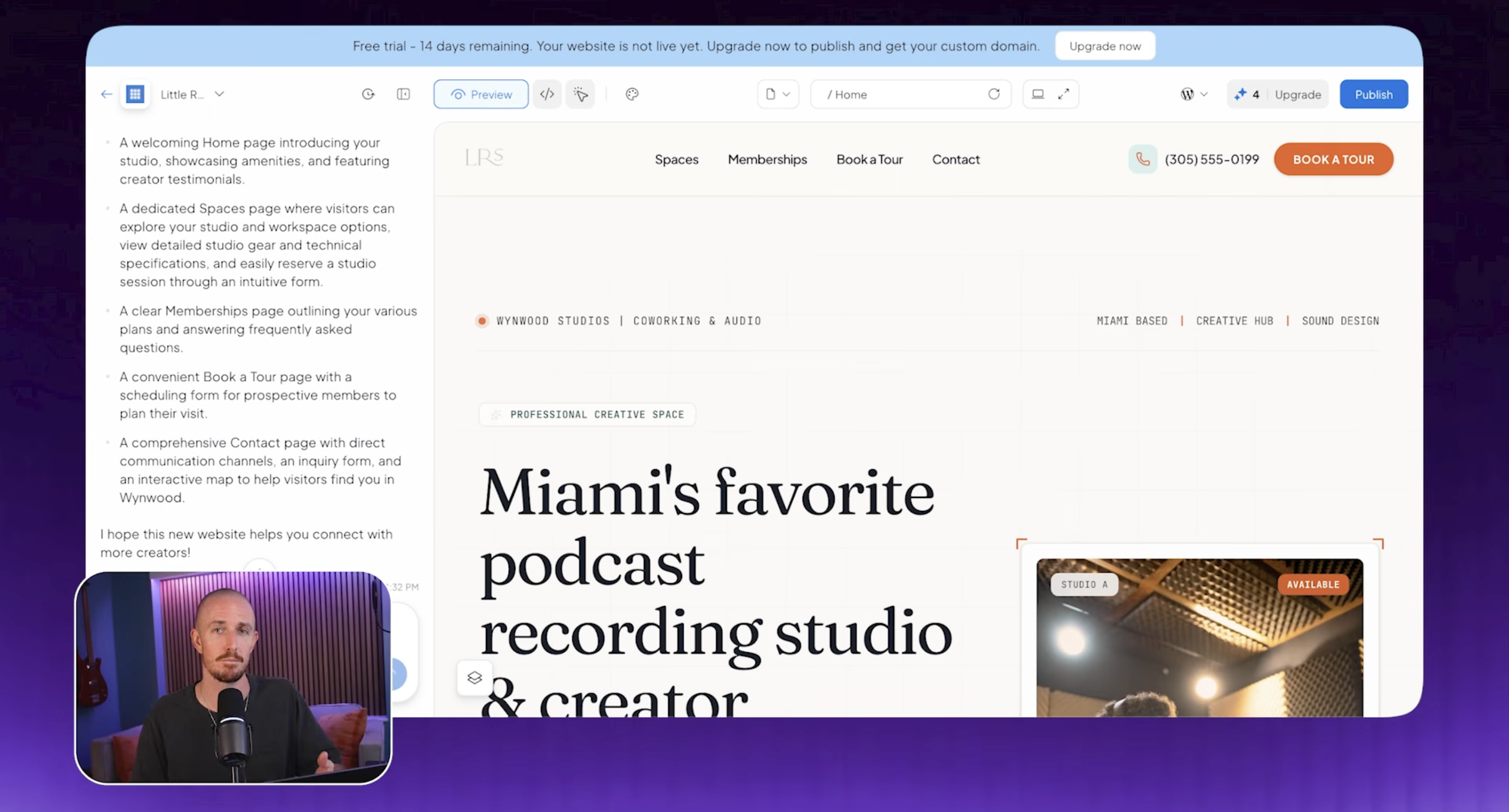
Instead of sending three separate requests to change an image, switch a color, and tighten a headline, stack them into one batched prompt. You’ll get the exact same updates while using only a single credit.
Designing a Custom Logo
You can design a quick logo without burning through your builder credits by using an all-access, multi-model AI tool. Pick an LLM like ChatGPT or Claude, upload a reference image, and give it simple design instructions. Download your favorite concept and drop it straight into your website builder.
From there, you can fine-tune individual blocks with the visual drag and drop editor.
Optimizing Your Site for Search Engines and AI Assistants
Getting your site online is only half the battle. You also need customers to find it when they search Google or ask an AI assistant for a recommendation.
Paid hosting plans often bundle built-in marketing tools and essential business tools, which strengthens your whole search optimization setup.
A content generator can draft your meta tags and page copy, while clean semantic structure makes sure crawlers and AI bots can actually understand your brand.
Publishing Your Site and Adding Your Personal Touch
Once your design looks right, you can publish it to a preview domain and share it with your team for feedback. When you’re ready to go live, review the pricing plans that bundle hosting and security, then upgrade and connect a custom domain.
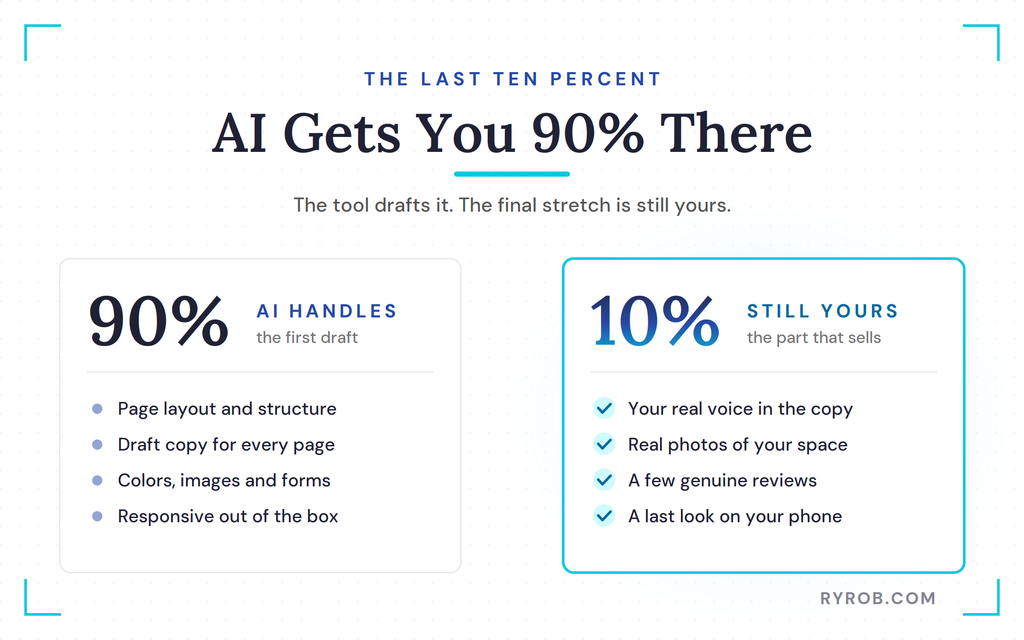
Just remember that AI gives you a running start, not a finished business. Before you open your virtual doors, tackle the last ten percent yourself.
- Read through the copy so it sounds like your actual voice.
- Swap the placeholder images for real shots of your space.
- Add a few genuine customer reviews.
- Double-check that everything looks right on mobile.
Once you’ve got the hang of this, you can use the same approach to build an app with AI for your business too.
FAQs About Building a Website With AI
A few quick answers to the questions I hear most about this.
Do I need coding skills to use an AI website builder?
You don’t need any coding skills. You just describe your business, and the AI generates the layout, pages, and draft copy for you.
Can I edit my website after the AI generates it?
Yes. The content generator creates your baseline copy, and you can adjust it through conversational chat prompts or manual controls. You can also open the backend WordPress editor for more advanced changes.
How do I save AI credits while building my site?
Start on a free plan to experiment with layouts before you upgrade to sell products through an online store. When you’re ready to edit, batch your requests into a single prompt instead of firing off separate commands for small tweaks.
That applies several changes at once while spending only one credit.
Will my website look good on mobile?
Yes. The site is built to be responsive right out of the gate, so it adjusts to phones and tablets on its own without any extra setup. Still, it’s worth pulling it up on your own phone before you launch, just to tweak anything that feels off on a smaller screen.
Do I actually own the website the AI builds?
Yes. Since the site runs on WordPress under the hood, you keep full ownership of your content and can move or export it whenever you want. You’re never boxed into a builder you’ll outgrow later on.
Final Thoughts on AI Web Design
Building a business website no longer requires weeks of frustration or a massive budget. With modern web design powered by AI, any small business can gain an immediate competitive edge. Let AI handle the first draft of your design and structure, you can go from a blank page to a real site in a single sitting.
The tool gets you most of the way there, but that last ten percent is still yours… your words, your photos, your personality. Add those in, and you’ve got a site that works as hard as you do.
Get Your Business Online in Minutes With Bluehost
This is the exact tool I used to build the site in this walkthrough, and it’s the easiest way I’ve found to get online. Everything sits under one roof, from the first AI draft to your live custom domain. My advice stays the same: let it build the first version, then make it yours!
Disclaimer: This story is auto-aggregated by a computer program and has not been created or edited by budgetbuddy.
Publisher: Source link
Publisher: Source link