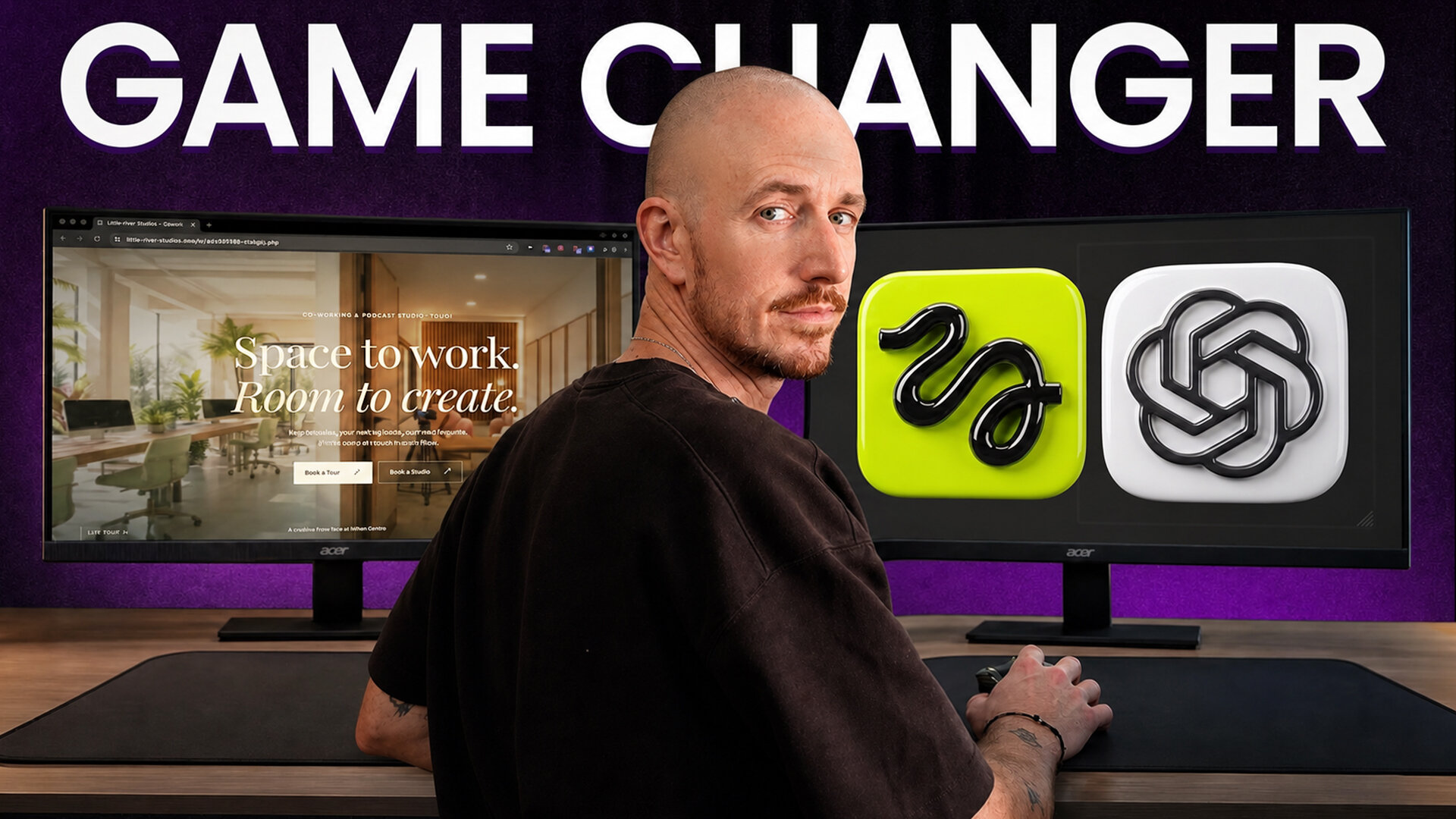
Imagine scrolling down a homepage and walking straight through the front door of a business, gliding past the desks and into the podcast studio, all with your mouse wheel. Once you learn how to make a website with ChatGPT this way, that’s the kind of experience you can build. And I put this exact scrollable site together in just a few minutes.
Scroll back up and you walk right back out. It hits a little different than the cookie-cutter templates you see plastered everywhere online… and that difference is the whole point.
The whole thing runs on GPT-6 Astra working as an AI website builder inside ChatGPT, plus a handful of targeted prompts. Here’s the entire build so you can watch it happen in real time.
Key Takeaways for Building an AI Website With GPT-6 Astra
- GPT-6 Astra runs inside your computer folders and taps connected tools to handle complex, multi-step tasks.
- Connecting Higgsfield straight to ChatGPT lets you generate images and video shots in the same chat session.
- Scroll scrubbing turns a plain looping video into an interactive walk-through your visitor controls with the mouse wheel.
- Netlify Drop lets you test-drive your static files instantly, with no account needed.
Stop Guessing at Prompts With My Free AI Prompt Generator
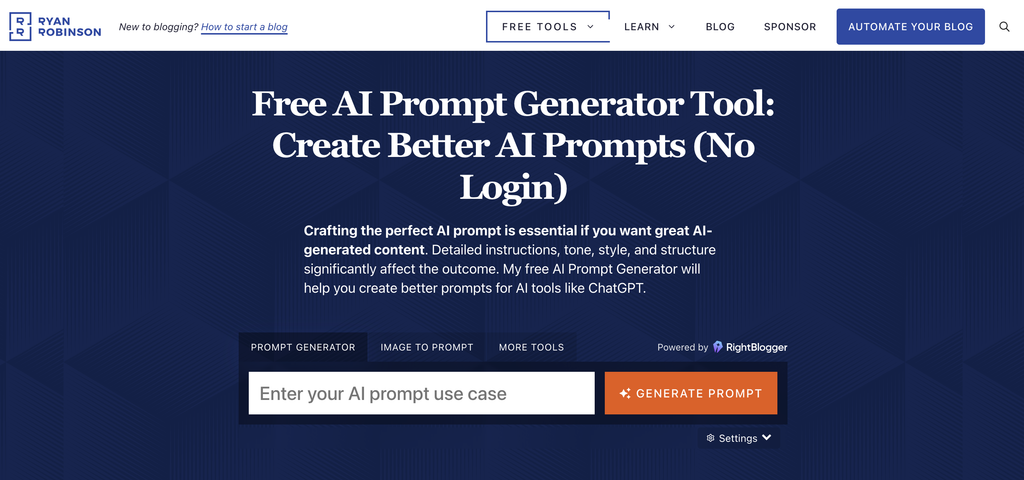
Vague prompts are what make AI invent weird details you never asked for. I made this free generator to turn a rough idea into a detailed, well-structured prompt for tools like ChatGPT. There’s nothing to sign up for, so you can try it on your next build in seconds.
Why Most AI Built Websites Look Exactly the Same
Most AI-generated websites look identical because they lean on the same layouts, the same stock photos, and the same boring welcome headline. Compared with a standardized starting point like ChatGPT Sites, a custom build can center on a distinctive video tour instead.
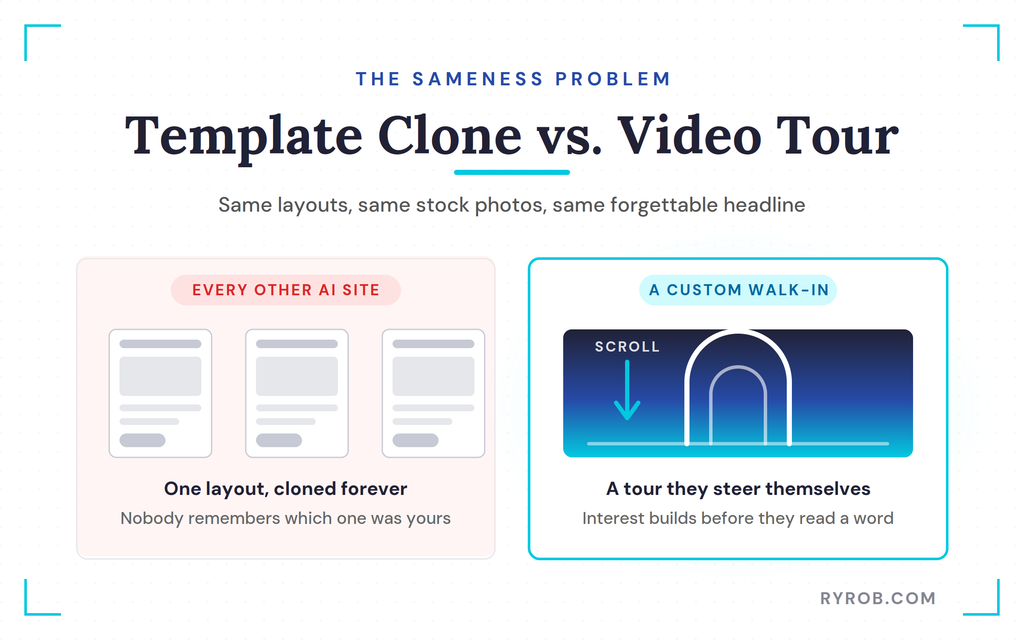
If your customers land on the exact same design as every other business, they won’t remember you. A homepage with a custom video walkthrough builds real interest before a visitor even reads your copy.
That’s exactly why testing OpenAI’s Astra model for something custom makes so much sense.
What You Need Before You Build Your Website With ChatGPT
Before you start, put together a simple web development plan that spells out your audience, your site goal, and the tools you’ve got on hand. From there, get familiar with how GPT-6 Astra works inside ChatGPT and how to steer it with natural language prompts.
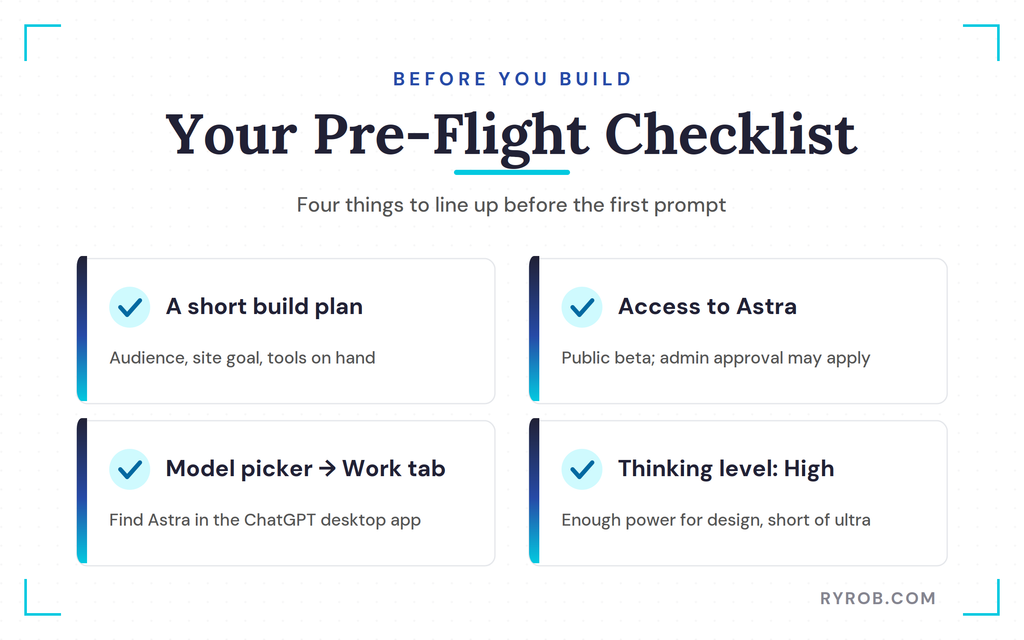
OpenAI launched Astra on September 3, 2026 to handle continuous tasks across your desktop files and connected tools. Availability may depend on whether Astra is still in public beta. Managed accounts may also need approval from a workspace admin because of workspace permissions.
In the ChatGPT desktop app, head to the model picker and find Astra under the work tab. Set your thinking level to high so you’ve got plenty of brainpower for web design, without tipping over into ultra mode.
Step 1: Connect Higgsfield to ChatGPT
Start by connecting Higgsfield, my go-to tool for generative video. In ChatGPT, open the plugins or connectors area, search for Higgsfield, and choose the option to add or connect it. Menus may look a little different depending on your account.
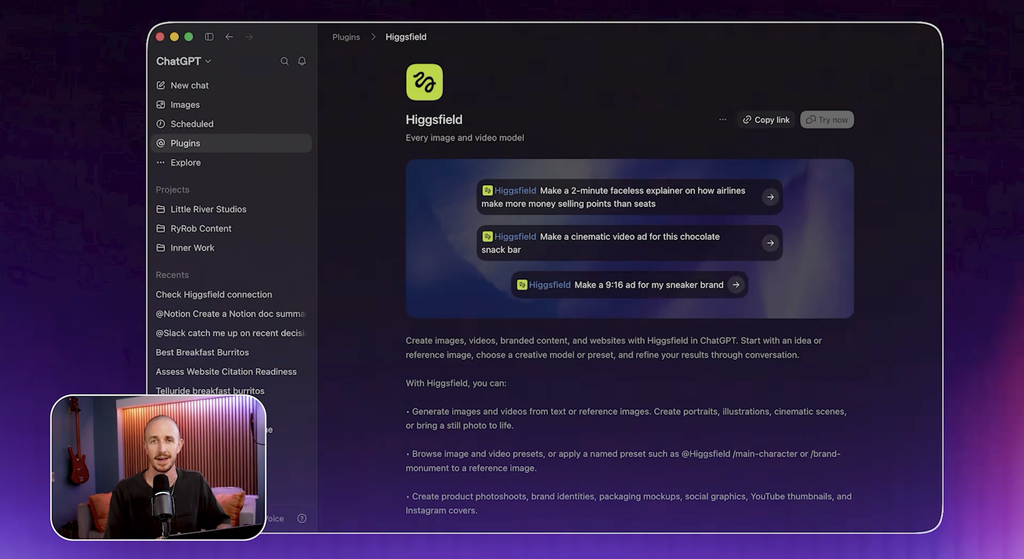
If the connector asks for authorization, look for “Sign in with ChatGPT.” Managed accounts may need a workspace admin to approve the connector first.
Once it’s connected, you can request images and video clips right in the same chat where you’re building your website. No downloading files, no switching browser tabs.
Step 2: Generate Your AI Video Tour With Higgsfield
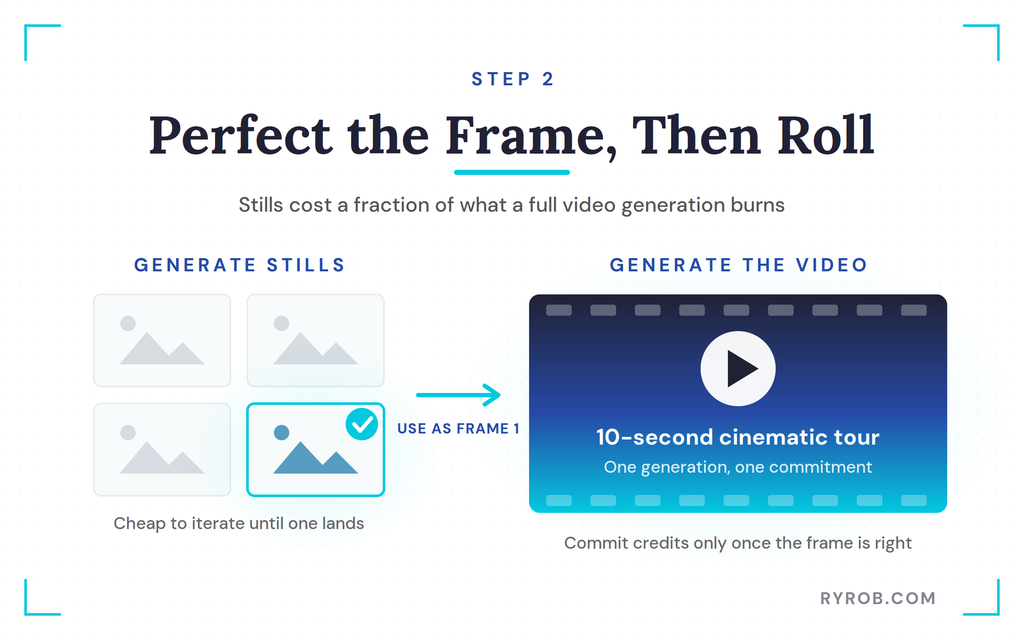
Before you generate any video, check your account’s usage limits and refine a single still image first. Generating videos one prompt at a time can burn through credits fast, so start with a frame you actually love.
Start Frame Prompt
Here is the exact prompt I used to generate the start frame. Ask the AI to use Higgsfield to create a wide, photorealistic image of the entrance to Little River Studios, a vibe co-working space and podcast studio in Miami. Specify a glass front door, warm wood, lots of plants, and soft morning light.
Make sure to tell it there are no people, text, or logos, and size it for a full-screen website background. Specificity keeps the AI from inventing weird details you never asked for.
Tour Video Prompt
Once you love your still frame, turn it into motion with a precise video prompt. Tell Higgsfield to use the approved image as the first frame for a ten-second cinematic video. Have the camera move slowly through the front door, past the desks, and into the podcast room with warm lighting and a red recording light on.
Keep the shot smooth, steady, and centered so mobile screens don’t crop out anything important.
Step 3: Build the Landing Page Around Your Tour Video
With your video asset ready, build the landing page around it. Brief ChatGPT on your audience, desired visitor actions, and brand tone to guide the user interface’s look and feel. Include sections for coworking memberships, podcast studio rentals, amenities, and location.
Match the color palette to your video assets so the wood tones and plant greens fit the visual tour.
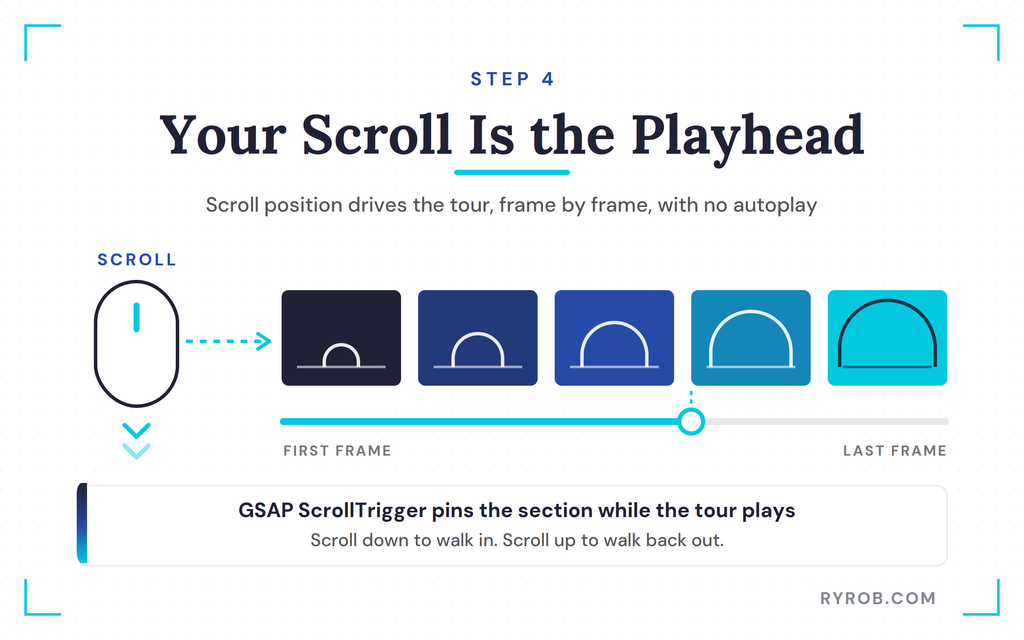
Instead of letting your hero video autoplay on a repeating loop, use the visitor’s scroll position to control playback. This interactive behavior turns scrolling itself into the play button.
Scroll Scrubbing Prompt
Tell Astra to turn the hero section into a full-screen scroll-scrubbing layout using GSAP ScrollTrigger. You can dig into the details in the official ScrollTrigger documentation. Pin the section while the user scrolls through the tour from the first frame to the last.
This stops the autoplay and creates a tactile walkthrough experience instead.
The Fix for Choppy Scroll
Scrubbing standard compressed video can feel choppy on mobile because browsers have to hunt for frames.
Keep your frame rates steady, then check the mobile preview for cropped details and stuttering playback before you share your responsive website. Scroll scrubbing may not feel the same across every device.
Step 5: Deploy Your Finished Website Free With Netlify Drop
Your website currently lives in a local folder and a staging location. Ask Astra to package the static HTML, CSS, and JS files, including an index.html file in the main folder. Keep secrets out of publicly served files, and use environment variables in a backend if you add one later.
Drag the folder into Netlify Drop to publish your site. Netlify is a hosting service that hands you a live deployment URL. Test the page with a few external viewers to confirm it shows up outside your own session.
When you want to change something later, just have Astra make the edits, then drag the updated folder into your site’s Deploys page. A static tour doesn’t need a database or file storage, though both are worth considering if you later add backend data or uploaded assets.
FAQs About Building an AI Website With GPT-6 Astra
These are the questions I get asked most about this kind of build.
Do I need coding experience to build a site with Astra?
No. Just describe your layout and business goals in natural language prompts. Astra handles the HTML and file structure behind the scenes, so you don’t need Python web frameworks for this static-site workflow.
Why should I generate a still image before making a video?
Generating still images uses fewer AI credits. That lets you perfect your visual vibe before you commit to a full video generation.
Can I use my own real photos instead of AI generations?
Yes. If your physical space is already open, uploading a real photo of your location builds higher trust and sets accurate expectations for visitors.
What are the best alternatives to Higgsfield for video generation?
Honestly, use any generative video tool you like, then export the clip and bring it into the same website workflow. If you want a starting point, established names like Runway, Kling, and Luma Dream Machine all work.
Can external viewers access my published site?
Yes. Share the deployment URL, then test it outside your logged-in session to confirm visitors can open it.
Do I need a payment processor for a booking site?
Only if you plan to accept payments through the site. A booking site that just collects appointment requests doesn’t need one.
Final Thoughts About Building a Website with ChatGPT
Building a homepage that lets visitors walk through your space changes how people experience your business. By combining GPT-6 Astra, Higgsfield, and scroll-driven video triggers, you end up with something that stands out from endless stock-photo templates.
Test your layouts on mobile, connect a reliable booking tool, and publish your new site. Add a custom domain and you’ll start bringing real clients right through your front door.
Stop Guessing at Prompts With My Free AI Prompt Generator
Vague prompts are what make AI invent weird details you never asked for. I made this free generator to turn a rough idea into a detailed, well-structured prompt for tools like ChatGPT. There’s nothing to sign up for, so you can try it on your next build in seconds.
Disclaimer: This story is auto-aggregated by a computer program and has not been created or edited by budgetbuddy.
Publisher: Source link
Publisher: Source link